
This video from GoSwim explains two methods for creating multiple accounts for swimmers under a team contract.
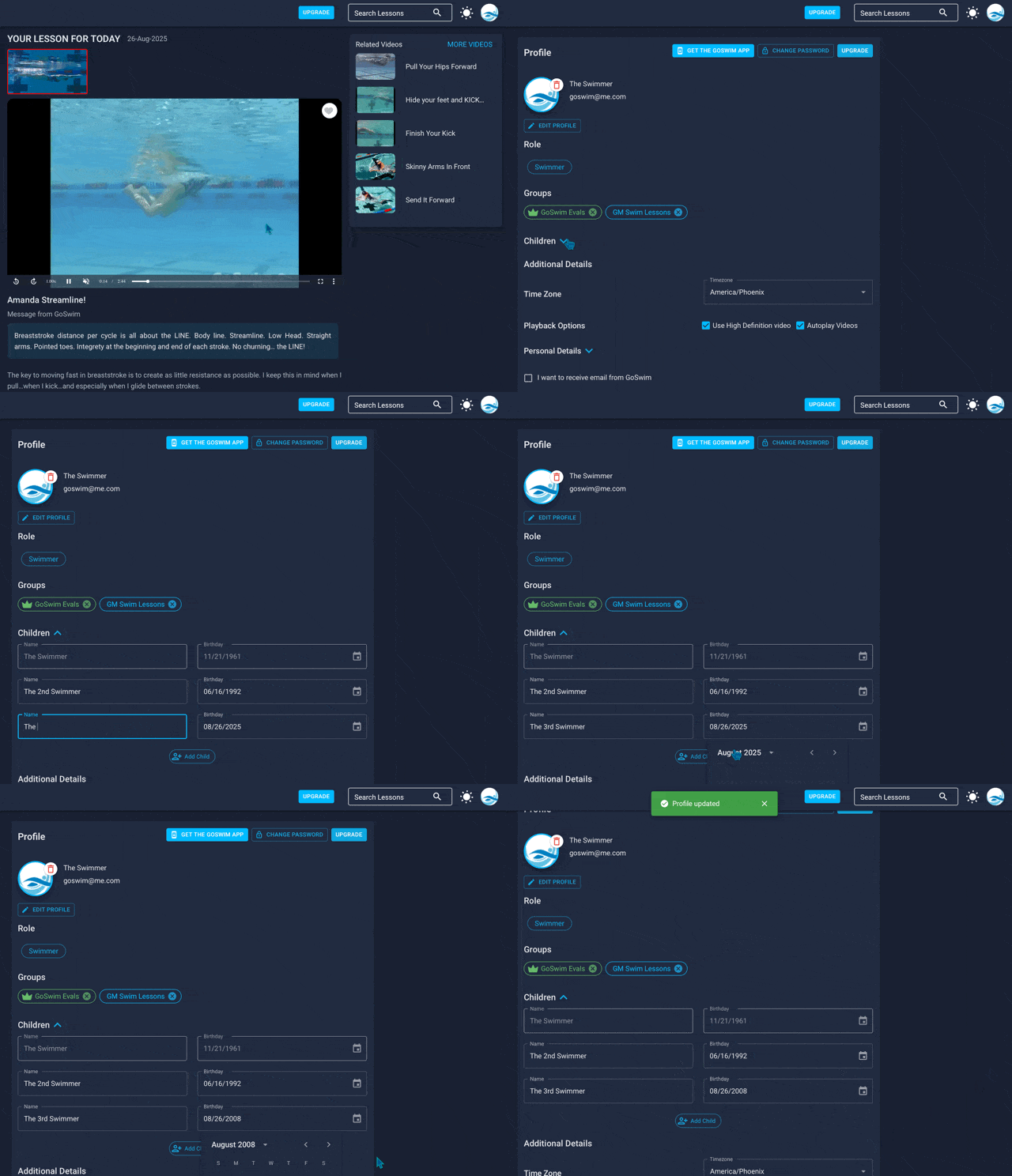
The first method involves adding multiple memberships within your individual account (0:37). This allows you to add up to three additional swimmers by entering their name and birth date in your profile under the "children" section (1:09-1:24). While all these swimmers will initially be in the same training group, future updates will allow for separation. You can switch between athletes within the app for filming and data recording (1:35-1:53).
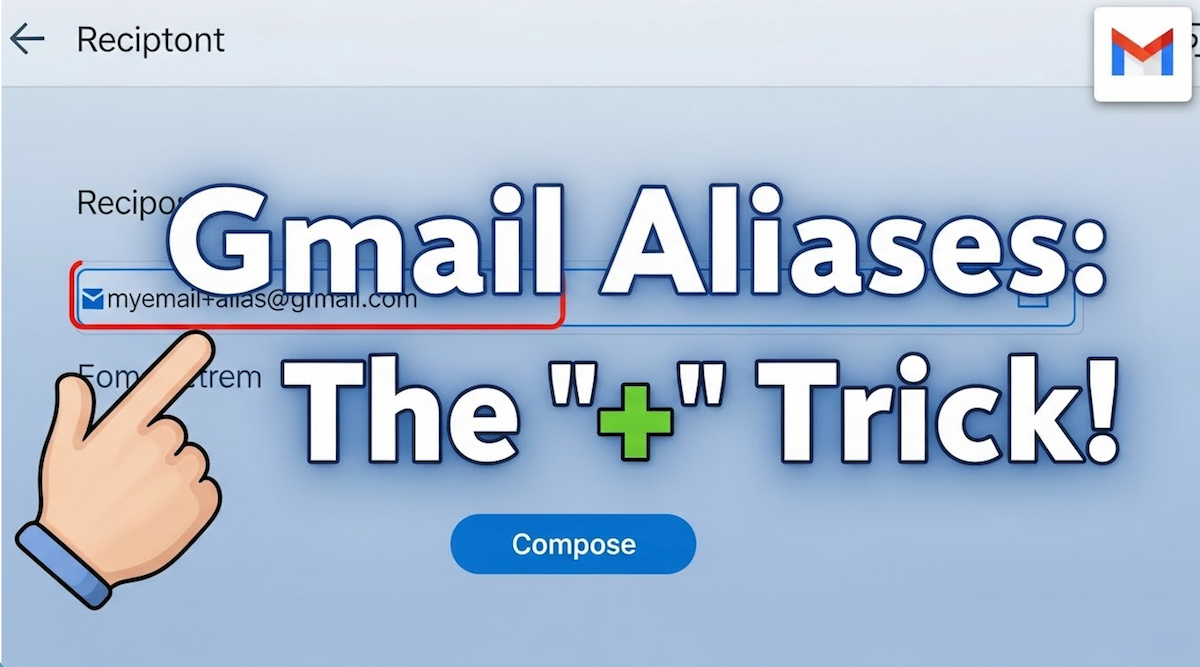
The second method, and the primary focus of the video, is creating email alias accounts (1:58). This is particularly useful if your children don't have their own email addresses (2:46). The speaker demonstrates how to use the "plus" symbol with a Gmail account (2:07). For example, if your email is goswim@test.com, you can create unique aliases like goswim+Billy@test.com for one child and goswim+Suzy@test.com for another (3:07-5:09). These alias emails are seen as unique by GoSwim, allowing for separate accounts, but all notifications and communications will still be delivered to your primary email address (3:20-3:49, 5:28-5:58). This gives you complete control over each child's account, including their videos, times, and data (4:15-4:22, 6:04-6:07).
Get the latest from GoSwim!




An Official Technique Video
Supplier to USA Swimming.