The video discusses the challenges faced by autonomous systems due to the increasing strain on internet infrastructure, particularly in the context of AI growth, and how the GoSwim app is designed to function effectively despite these challenges (0:54).
Here's a breakdown of the key points:
- AI Growth and Infrastructure Strain (1:48-4:04): The speaker highlights that AI models are rapidly growing in size and volume, leading to unprecedented demands on compute, network capacity, and power infrastructure. This has resulted in:
- GPU Shortages and Data Center Limits: Supply of GPUs is insufficient, and data centers are reaching their power and cooling limits.
- Unprecedented Traffic Patterns: AI models create bursty and unpredictable workloads that stress various internet components like load balancers, edge networks, and DNS resolvers, as seen with incidents at Cloudflare and AWS.
- Power and Grid Constraints: AI data centers consume massive amounts of electricity, leading to delays in cloud expansion projects and increased risk of outages.
- Internet Not Designed for LLM-Era Traffic: Current internet infrastructure struggles with larger request payloads, higher sustained traffic, and low-latency demands of AI workloads.
- Software Complexity as a Bottleneck: The intricate nature of AI platforms leads to systemic failures that can ripple across large parts of the internet.
- Impact on Autonomous Systems: The speaker emphasizes that these infrastructure limitations directly affect the reliability of autonomous systems, making slowdowns and outages more likely (4:00-4:04).
- GoSwim App Design for Challenging Environments (4:59-8:38): The GoSwim app is specifically designed to overcome these challenges, especially in "technologically hazardous environments" like swimming pools, where cell and Wi-Fi signals are typically poor (5:16-6:13).
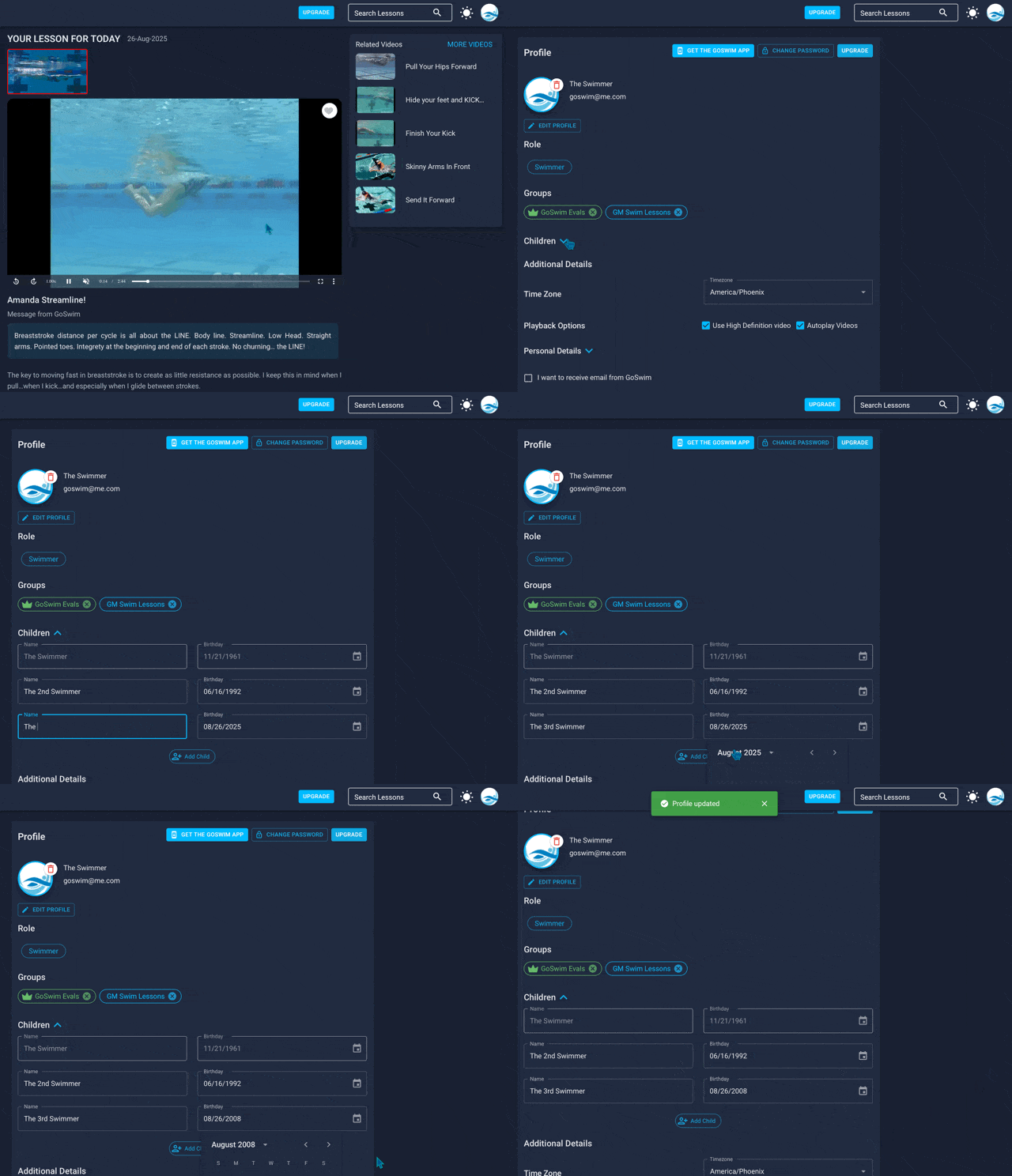
- Offline Functionality: The app prioritizes local storage. When filming, it stores a copy of the video in the user's photo library (10:17-10:31).
- Deferred Syncing: Users can turn off cell and Wi-Fi uploads in settings (9:53-10:03). This allows all videos and data to be saved on the device even if the internet is down (10:49-11:01).
- Manual Upload Queue: Once the user leaves the challenging environment and has a stable connection, they can use the "queue" feature to upload all their videos to the cloud (11:01-11:16).
- Cloud Sync Confirmation: A green checkmark on a cloud icon indicates that the video is successfully synced to the cloud (11:21-11:34).
- Space Management: Users can remove synced videos from their device to save storage once they are uploaded to the cloud (11:39-11:43).
- GoSwim's Purpose: The app aims to facilitate a workflow where parents film, athletes add data, and coaches focus on coaching, with all data eventually synced to the cloud for later review (6:35-7:26). The design ensures that even if major internet systems fail, the user's data and video are safe and can be uploaded later (8:25-8:38).